Lap and sector times
Race totals are recorded with lap times for circuits and sector splits for sprints. The timing view separates these details by race type.


My Races stores results uploaded by your linked companion. Filter by track and class, open an after-race summary, and review lap times or sector splits alongside your personal bests.
Race totals are recorded with lap times for circuits and sector splits for sprints. The timing view separates these details by race type.
Each summary brings together the result, pace, personal bests, and honours recorded for that race.
Uploaded races remain available in your account. Use track and class filters to find a run, then choose which results to publish on the leaderboards.

A GhostGauge league connects a series of races into a season, with its own entrants, car rules, and points system. The league page keeps the round results alongside the championship table, so you can see how each race contributes to the standings.
Track, dates, eligible cars, and scoring format are listed for each round. Check the requirements before choosing a car or recording a run.
Time-trial rounds use each entrant’s best eligible run within the round dates. Championship races use finishing orders reviewed by the organizer.
The table shows each driver’s points by round and across the season. Results from an open time-trial round remain provisional until it closes.
Time-trial results include registered entrants. Racing the same track does not enter you automatically; check the league’s entry requirements before competing.
Approved organizers choose the tracks, schedule the rounds, and set car restrictions and points. A round can allow a class of cars or specify a single model.
League directoryLeague rounds and site events share one calendar. Open an event for its details, or follow a league’s schedule from its season page.
View calendarCurrent records and their holders, drawn from published race results.
Track pages show published records by car class, including the time and driver. The directory includes official and community tracks; community tracks can be submitted with their share code.

A Race Driver profile connects your published results with your name, driver number, and licence card. Clubs, leagues, and the Gallery provide spaces for community activity.
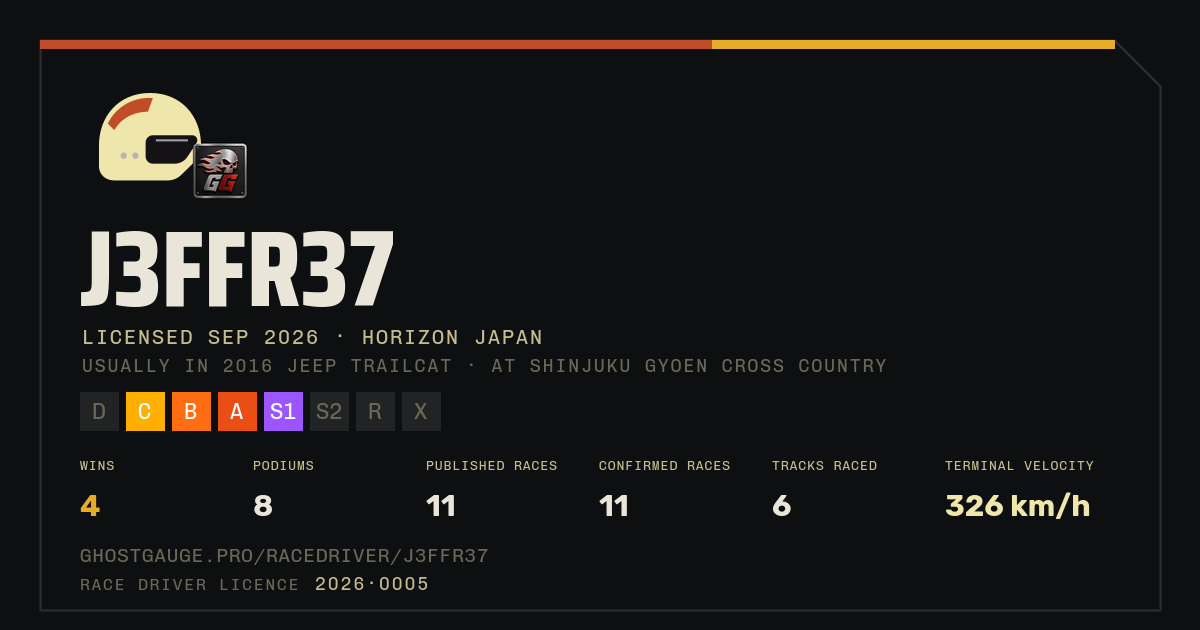
Customize your licence card in your account. It includes your driver name and permanent licence number. Your public driver page displays your published racing results.
Account settingsClub pages connect members and their leagues. The Gallery is a place to share car photos and images from the game.
GallerySeparate records cover airtime, sideways driving, speed, and distance. Each crown lists its current holder and recorded value.
Crowns & TitlesThe Windows and Android companion receives Forza’s Data Out telemetry, records races, and uploads results to your linked GhostGauge account for review on the website.
It also includes live racing and cruise dashboards, a 3D track view, engine revs, speed, and the time gap to your best.
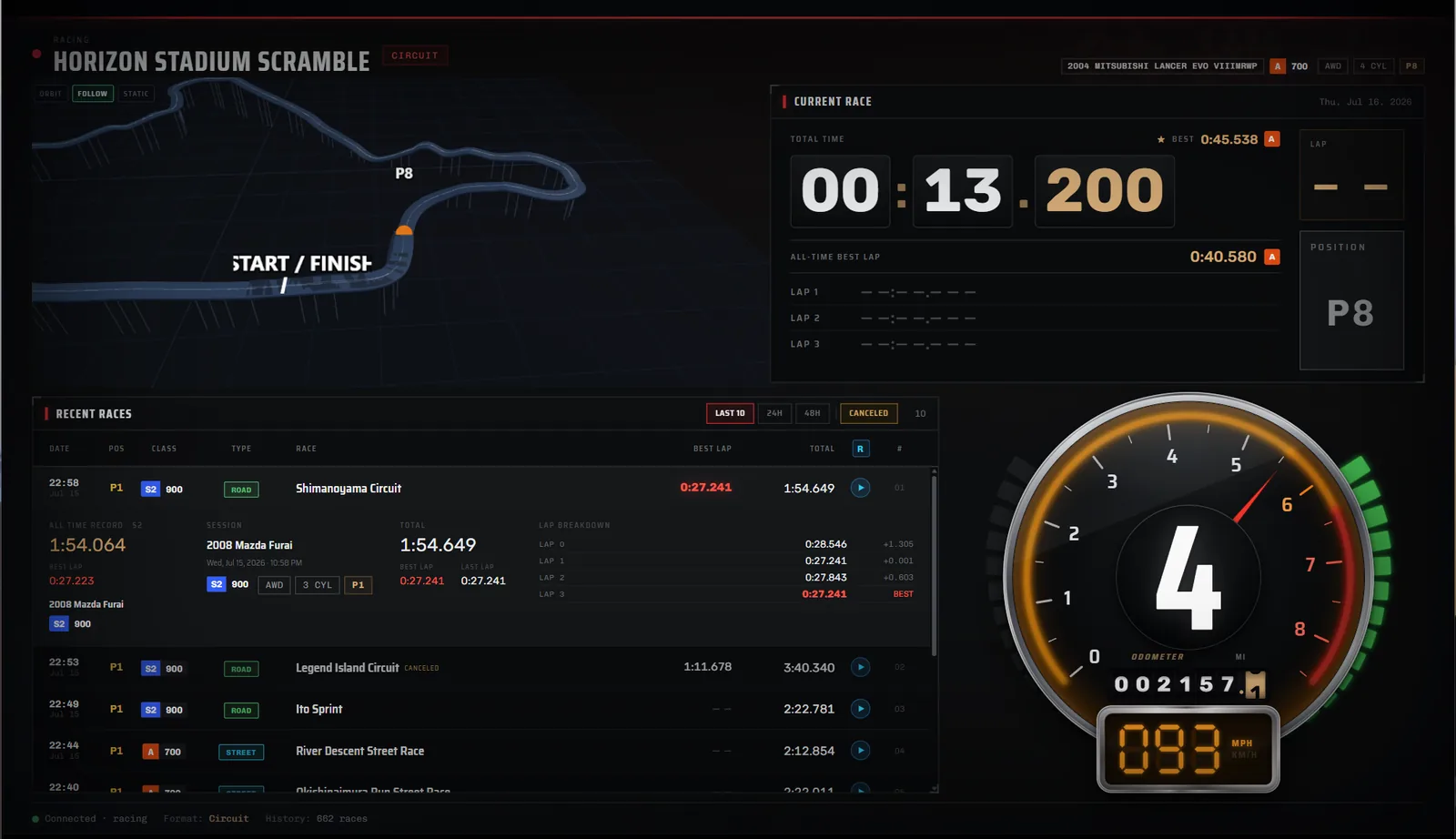
Install the companion on your PC or Android device and link your GhostGauge account.
The companion shows its address. Enter it in Forza’s Data Out settings.
Keep the companion running while you race. Uploaded results are available in My Races.
Without an account, the racing and cruise dashboards still work locally. Link an account for your website history and community features. You choose which results go on the public leaderboards.